


Cash Management Resources > Money Movement > ACH (Automated Clearing House)
ACH & NOC (Notice of Change) Instructions
- Click the down arrow on the Reports menu, then select Download Reports

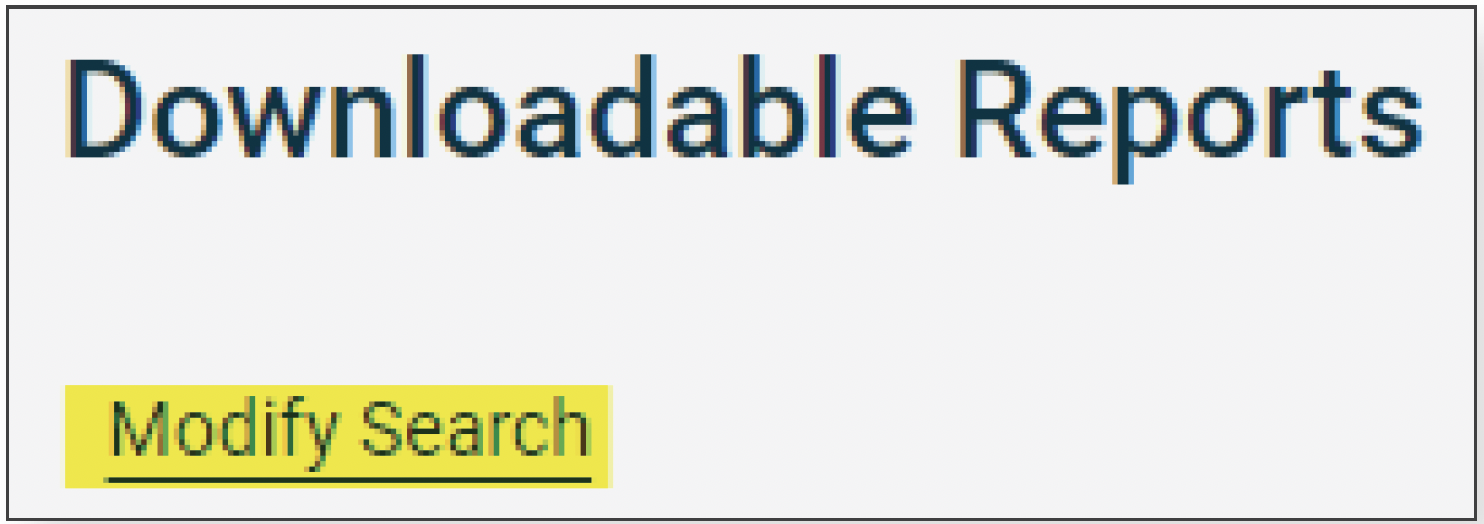
- Click Modify Search
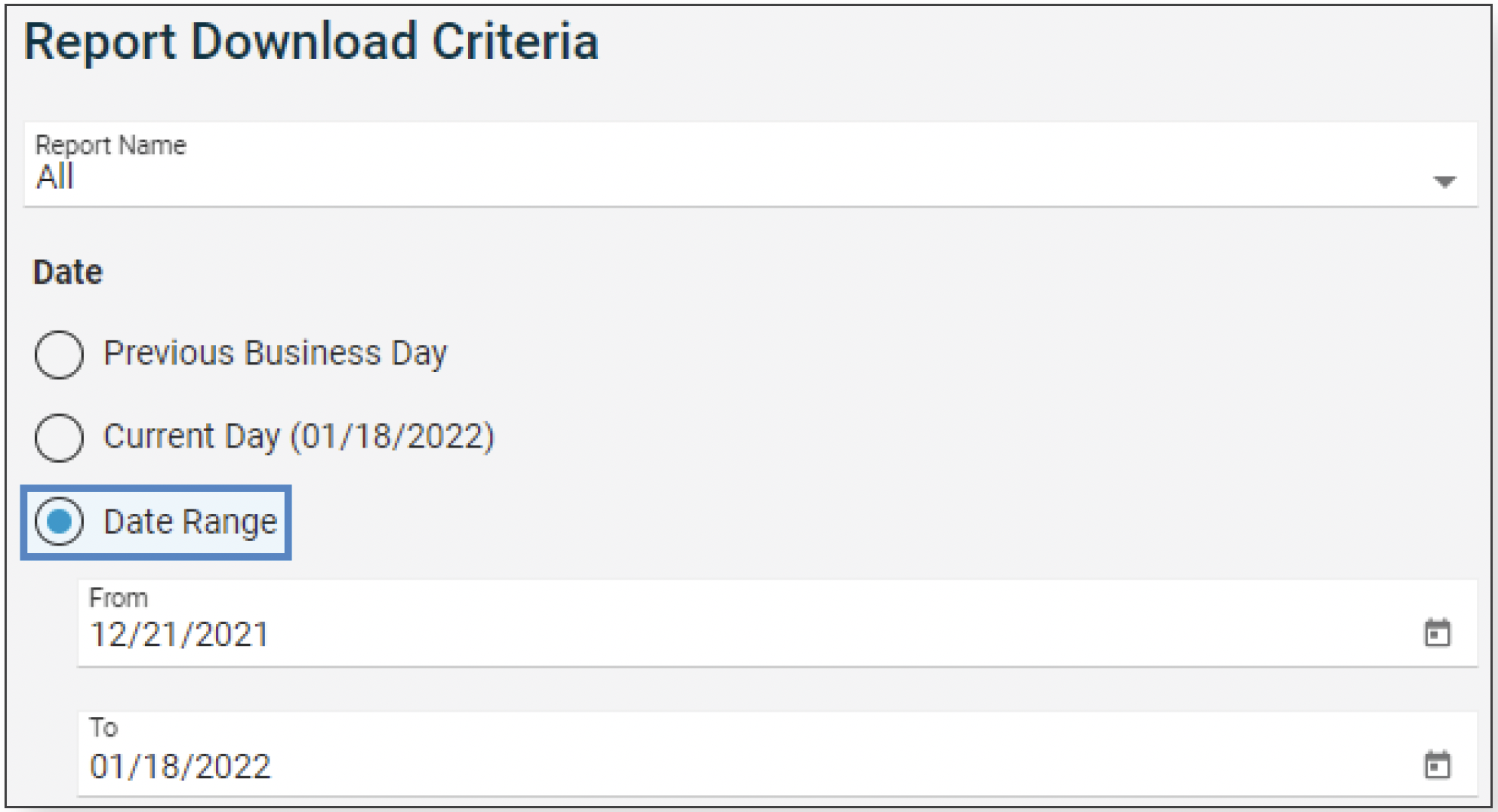
- Select either the previous business day (for the most current report) or choose a date range to view multiple reports.
- View the details of the report by clicking Date/Time Received
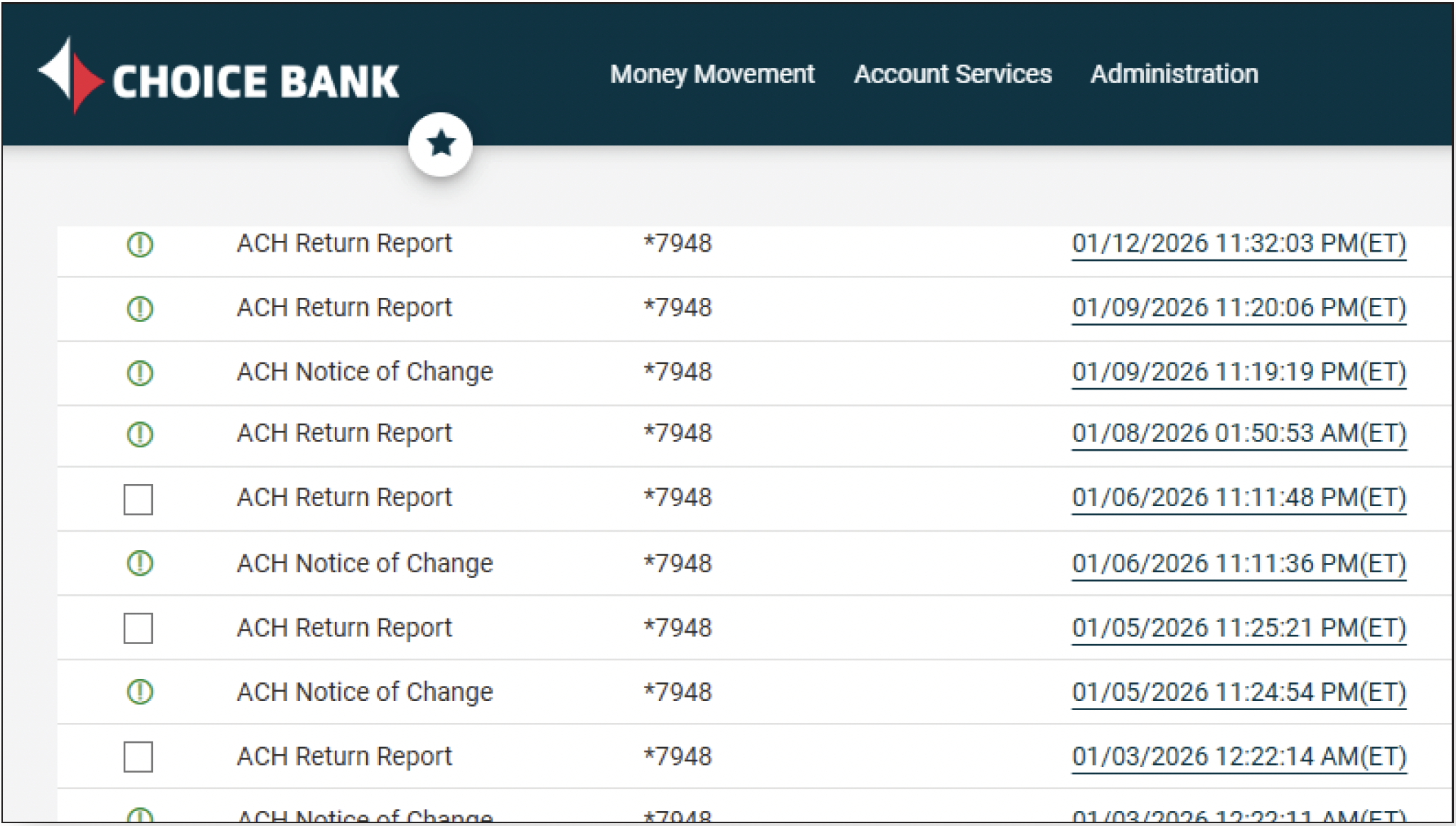
- Review any missing information.
 A green exclamation icon indicates there are no ACH returns or NOC’s.
 A box indicates a ACH or NOC transaction items that require your review.
 - To download a report, click on Download to the right of the report or download multiple reports by checking the box to the left of each and clicking on the Download reports button.
Common ACH Returns
Code Meaning Can Retry? Unauthorized Rate*
R01 Insufficient Funds Yes < .5%
R02 Account Closed No < 3% of 60-day period
R03 No Account/Unable to Locate Account No < 3% of 60-day period
R04 Invalid Account Number No < 3% of 60-day period
R05 Unauthorized Debit to Consumer Account No < .5%
R07 Authorization Revoked by Customer No < .5%
R08 Payment Stopped No < .5%
R09 Uncollected Funds Yes < .5%
R10 Customer Advise Originator Not Known and/or Authorized No < .5%
R11 Amount or Date Error Yes < .5%
R20 Non-Transaction Account No < 3% of 60-day period
R23 Credit Entry Refused by Reciever No < 3% of 60-day period
R24 Duplicate Entry No < 3% of 60-day period
R29 Corporate Customer Advises Not Authorized No < .5%
R51 Notice Not Provided/ Signature no Authentic Item Altered No < .5%
*Overall Return Rate <15% for any two calendar months of 60-day period
Additional Resources
What do I need to know about NOC’s?
A Notification of Change (NOC) is a correction notice that is created by your employee, vendor or customer’s (Receiver) financial institution and sent to Choice Bank. The correction notice is meant for you to take action and update the ACH transaction information accordingly before the next live transaction. Correction notices should only be received one time. Receiving multiple NOC’s for the same transaction may appear to the Receiving financial institution that you are not correcting the information and could be reported as an ACH Rules violation. The changes specified in the NOC must be made within six banking days of receipt of the NOC information or prior to initiating another Entry to the Receiver’s account, whichever is later.
What do I need to know about ACH Returns?
An ACH transaction can be returned to you, the Originator, for a number of reasons. It’s important that you understand the various return reasons and the appropriate actions you can take for each. The best resource in understanding ACH returns is the NACHA Operating Rules & Guidelines. We have also included a summary of the most common return reasons on the next page.
Please make note of the important ratios listed. Return Ratios greater than the percentage listed may result in an NACHA Operating Rules & Guidelines violation filing and could result in fines and/or the removal of your ability to Originate ACH. Our Cash Management Operations team is a great resource and can provide recommendations in avoiding or lowering the number of returns you may be receiving.
Click here to view a printable PDF of these instructions.